

Working remotely has gone from a rare perk to an everyday reality for many Australians. Some people work from home full time, others split the week between home and the office, and some work from a regional town, a coworking space or a campervan. At the same time, more of our tech help happens remotely too, with support staff fixing problems over a screen share, and scammers exploiting the same tools.
Remotely Guide is an independent guide to working remotely and getting tech help safely. We explain how to find remote work, what your rights are, how working from home affects tax, how to set up a healthy home office, how to keep your internet and video calls reliable, how remote tech support works and how to avoid remote-access scams. We don't recruit, sell software or provide tech support.
12 months
Service to request
Flexible work, if eligible
21 days
Employer must reply
In writing
Hang up
On unexpected tech calls
Scamwatch advice
Remote work
Our remote work guides explain where to find genuine remote jobs, how to request flexible working arrangements under the Fair Work Act, the basics of claiming working from home expenses, and how to stay healthy, connected and switched off when your home is also your workplace.

Home office
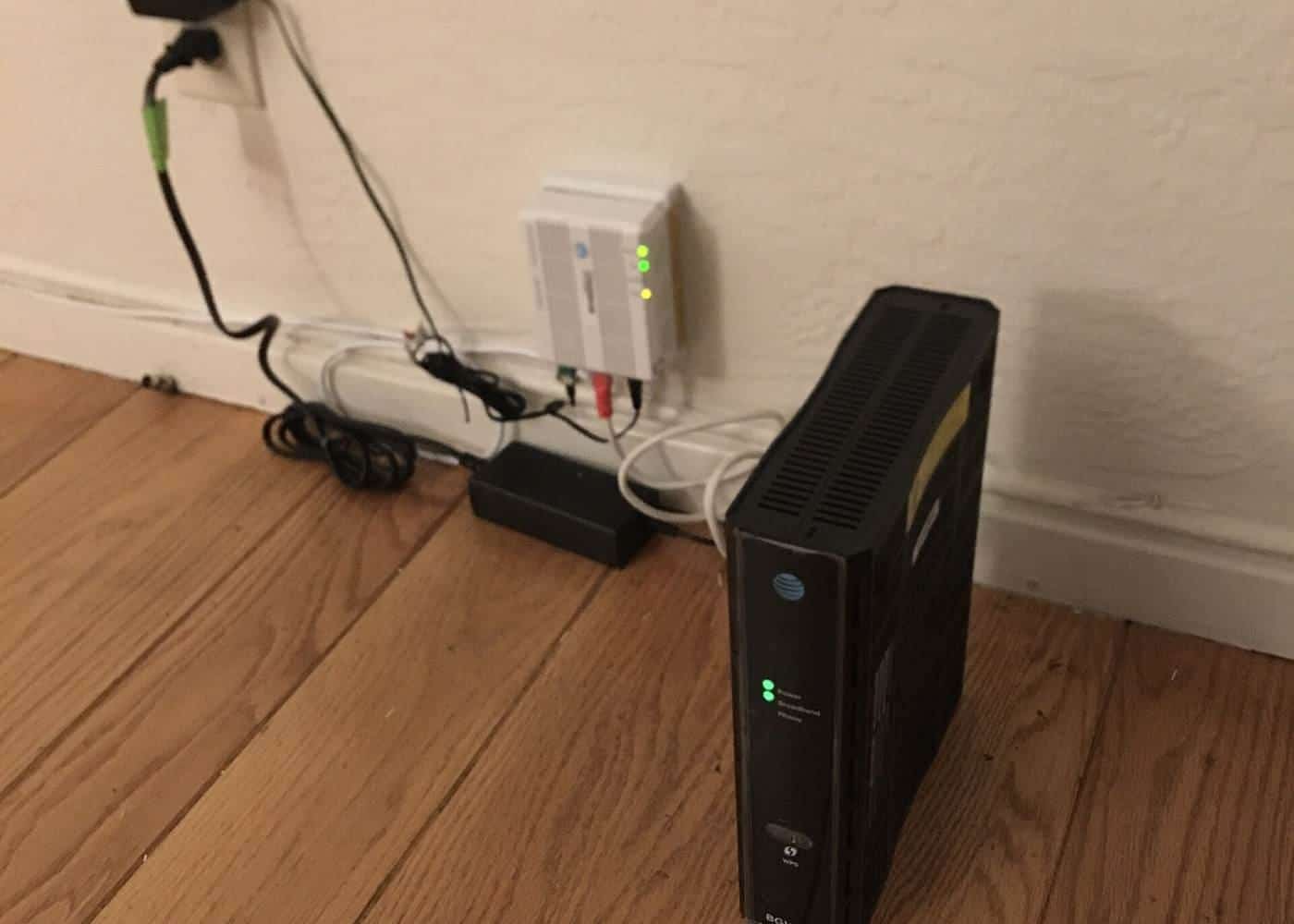
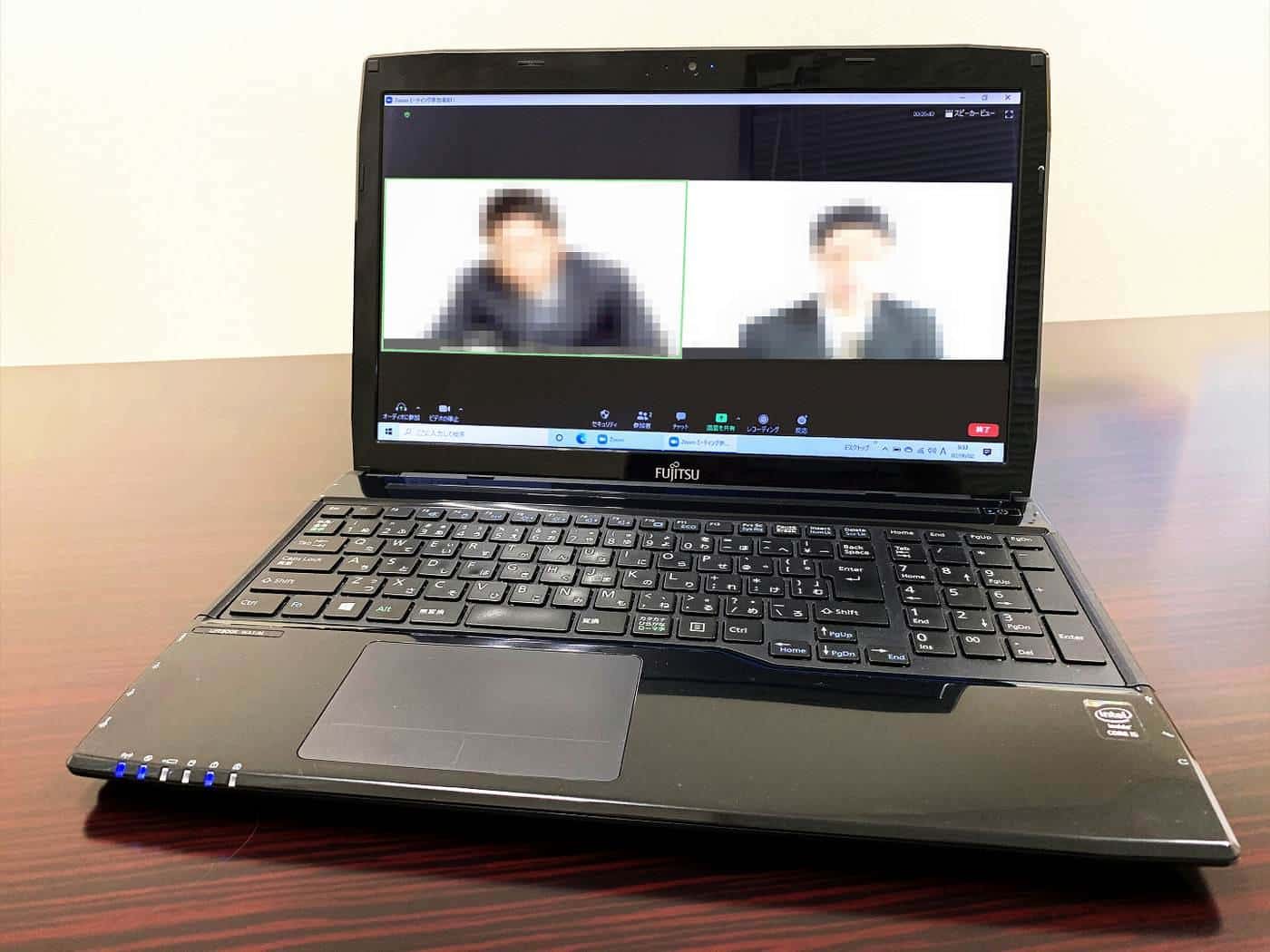
A comfortable, safe workspace makes a big difference over months and years. Our home office guides cover desk and chair setup, lighting and breaks, choosing and troubleshooting your internet connection, running smooth video calls and working with colleagues in other time zones.
Remote tech help
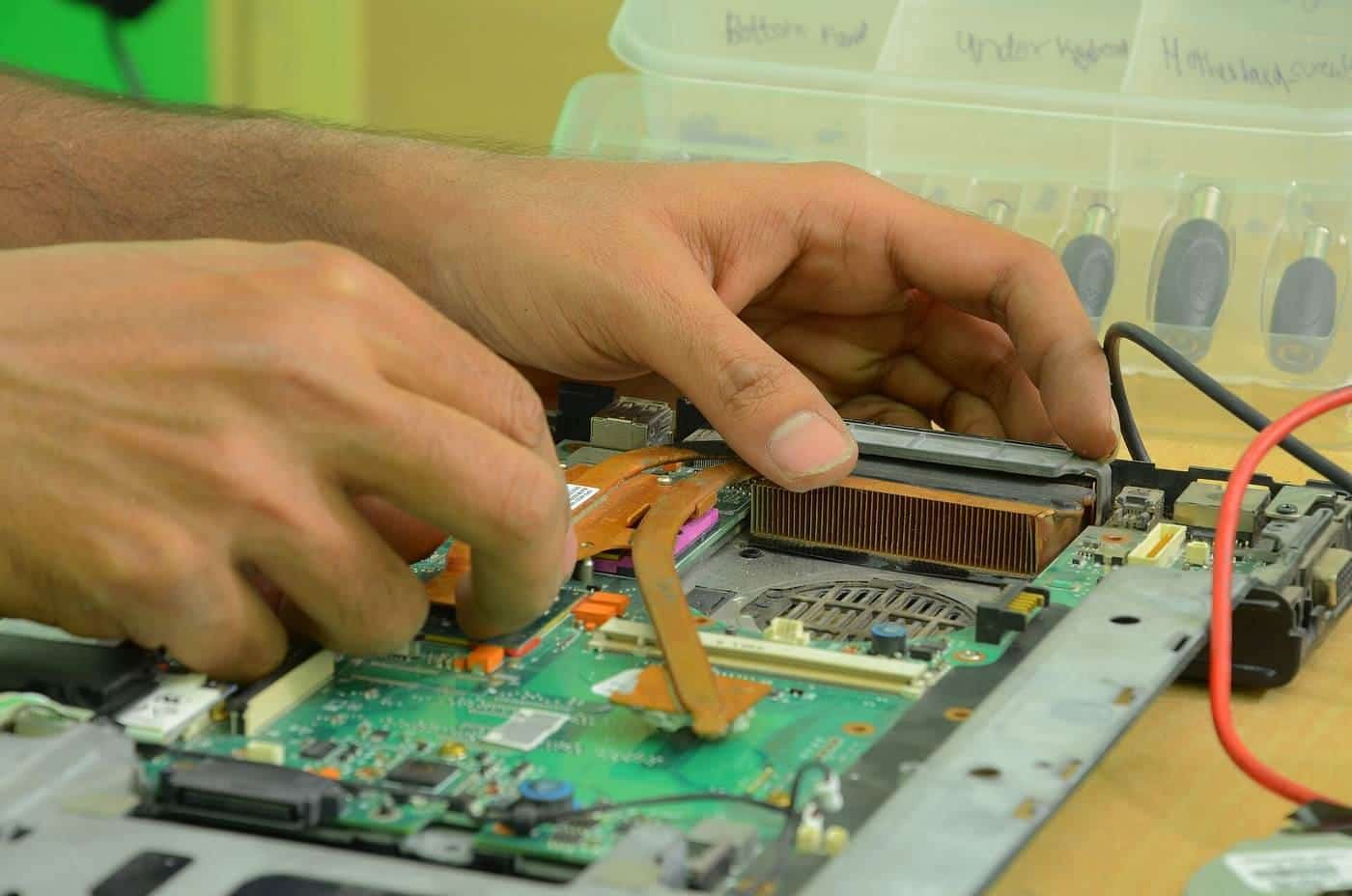
When something goes wrong with your computer, remote support can fix it without anyone visiting. But criminals use the same screen-sharing tools to steal money. Our remote tech help guides explain how legitimate remote support works, how to spot and respond to remote-access scams, how to secure your home office devices and how to fix common computer problems yourself.
Five things every remote worker should know
- Your rights. Eligible employees can request flexible work, and employers must respond in writing within 21 days and can refuse only on reasonable business grounds.
- Your safety. Work health and safety duties still apply when you work from home, covering both physical and psychological health.
- Your records. If you plan to claim working from home expenses, keep the records the ATO requires, including your hours.
- Your security. Keep devices updated, turn on multi-factor authentication and back up your work.
- Your boundaries. Set working hours, take breaks and switch off. Many employees now have a legal right to disconnect outside working hours.
Who this guide is for
Remotely Guide is for employees negotiating a work from home arrangement, job seekers looking for remote roles, freelancers and small business owners working from home, managers leading distributed teams, and anyone who needs tech help and wants to stay safe while getting it.
How we research
We base our guides on official and authoritative sources, including the Fair Work Ombudsman, the Fair Work Commission, Safe Work Australia, the Australian Taxation Office, the Australian Signals Directorate's cyber.gov.au, Scamwatch and the ACCC. Every guide lists its sources and shows when it was last updated. We don't invent statistics, salaries, prices, reviews or rankings. Read our editorial policy.
About this domain
remotely.com.au previously hosted a small remote computer support business in the mid-2010s. It later lapsed, and the domain was relaunched in 2026 as an independent guide with entirely new content. We aren't connected with any previous operator, IT provider or employer. Read more about us.
Key points
Remote work can offer flexibility and focus, but it works best when you know your rights, set up a safe workspace, keep your technology reliable and secure, and protect your boundaries. When you need tech help, use providers you contacted yourself, and never give remote access to an unexpected caller.